
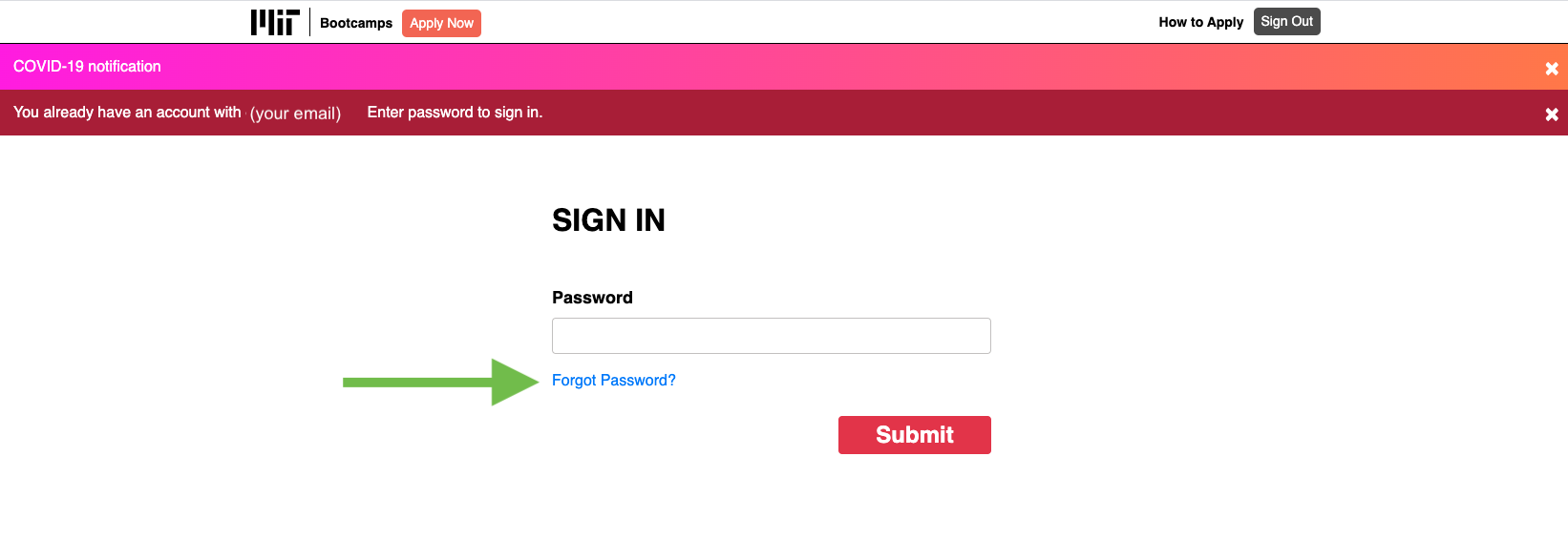
If you had a profile on our previous application site, Survey Monkey, when you try to sign in to the new MIT Bootcamps Application Site, you will see a dark red banner informing you that you already have an account (shown in the image below).
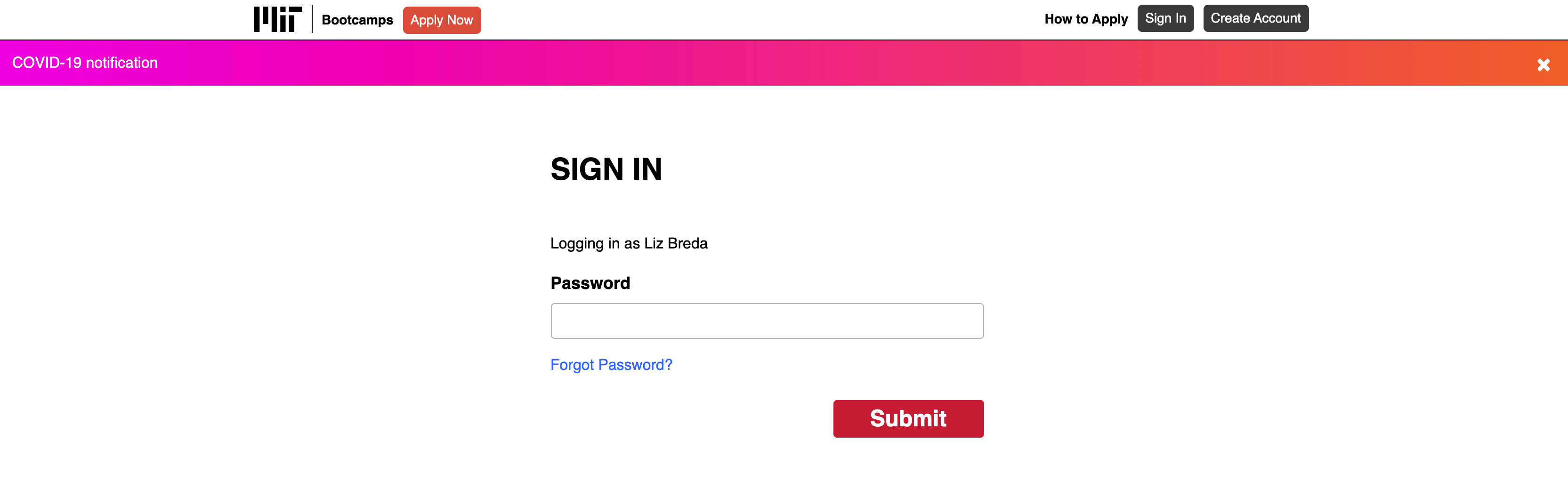
You cannot use your old password, which was associated with your Survey Monkey. You must click the “Forgot Password” link to reset your password.
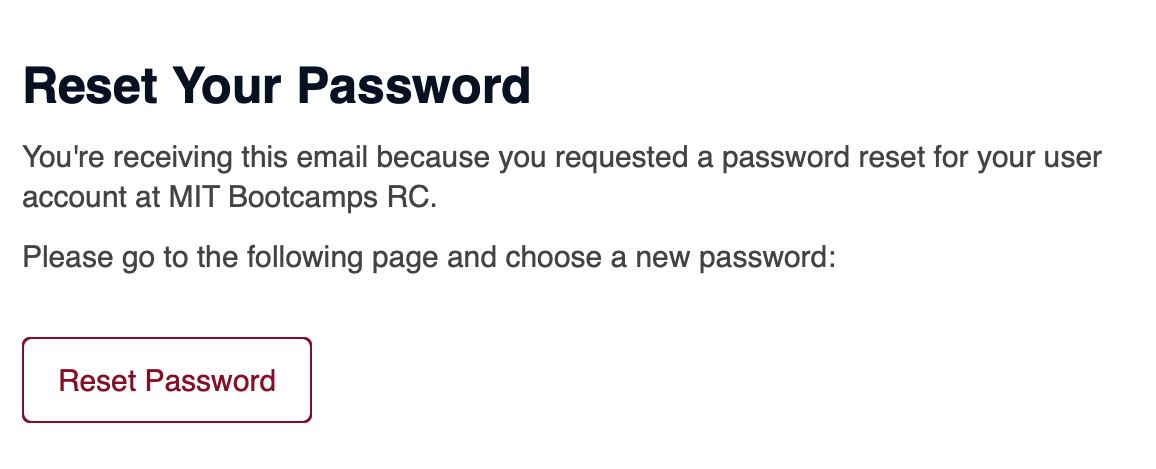
- You will receive an email within a few minutes. Open the email and click the “Reset Password” button
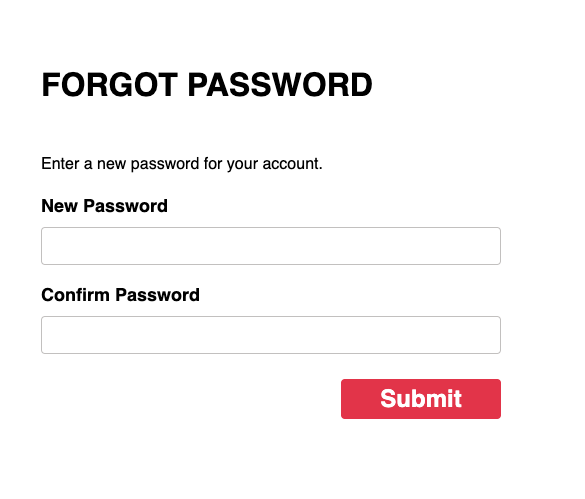
- Enter a new password and confirm your new password, then click the "Submit" button
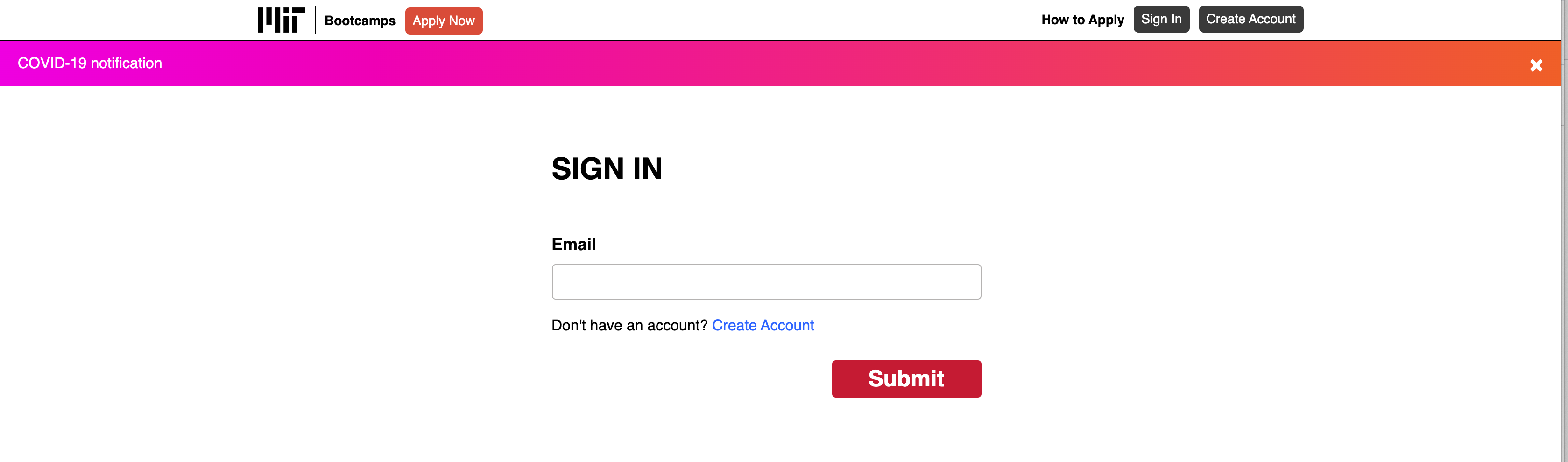
- You will be taken back to the sign-in page. Enter your email address, click "Submit", enter your new password, and click "Submit" again to sign in.
- You will see this screen when you have successfully logged in:
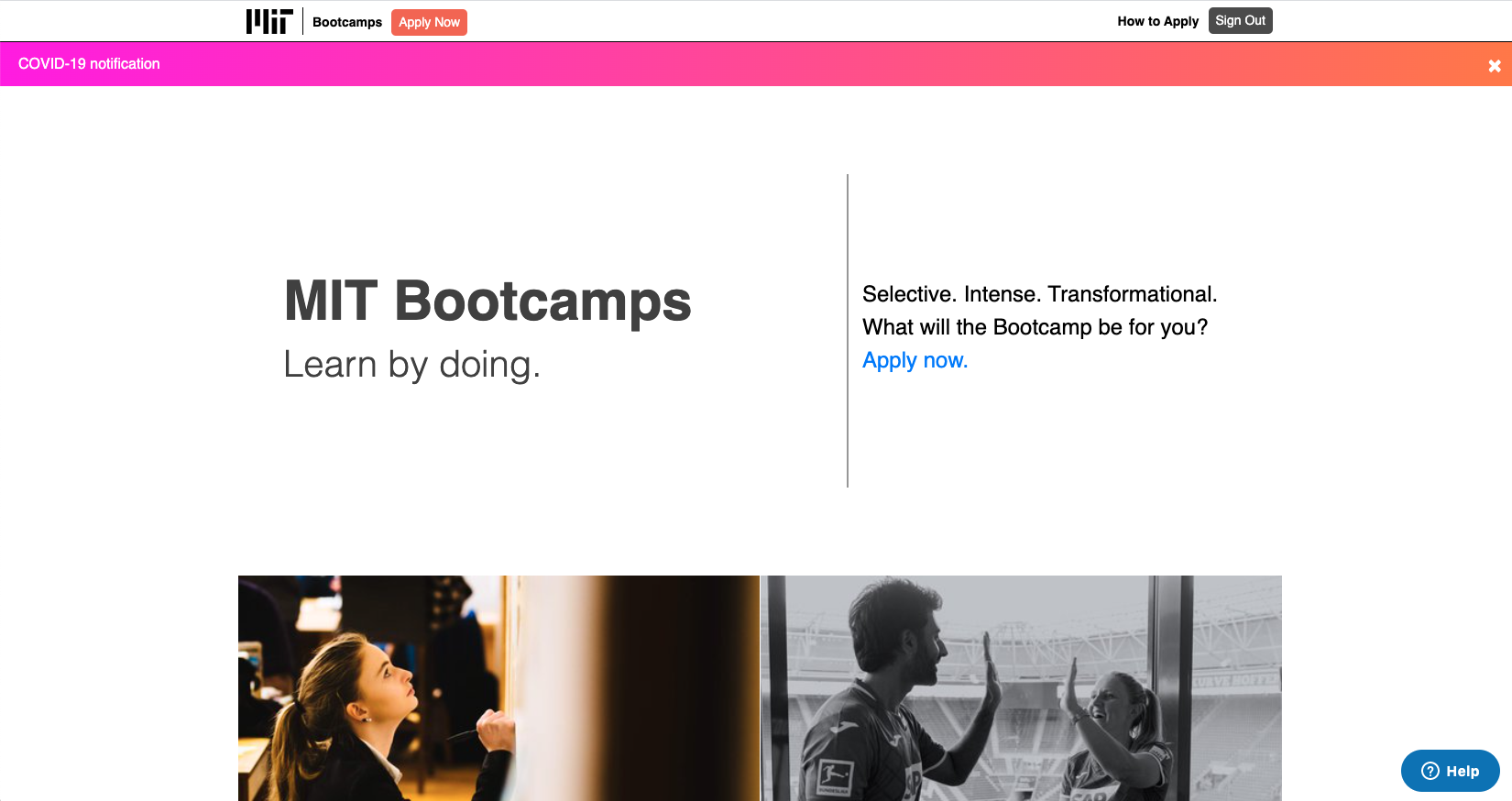
Once you have successfully logged in, please visit the How to Apply page for more details about completing your application!
Comments
0 comments
Please sign in to leave a comment.