
After you make a payment towards an MIT Bootcamps program via Credit Card or PayPal transaction, you will receive a copy of your payment receipt via email. You may also access your payment receipt(s) via your Bootcamps Application Dashboard.
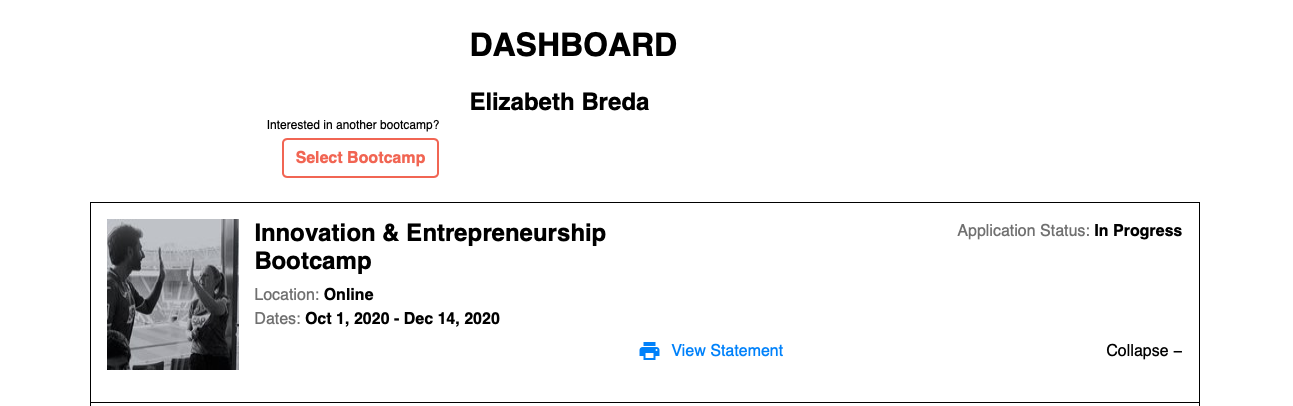
To view your receipts, payment history, and balance due, navigate to the Bootcamps Application Dashboard and log in to your account. Click the "View Statement" link to see a record of your payments, as shown in the image below.
If you do receive a payment receipt via email, and you do not see your payment(s) reflected in your statement, please reach out to us at bootcamp-support@mit.edu as soon as possible.
Please provide your payment details including the full name and email address associated with the payment as well the payment method (Credit Card, PayPal transaction, or Wire Transfer), the payment date, and the payment amount. If the Bootcamps participant's name is different from the name associated with the payment, please also include the participant's name. We will be happy to follow up with you to confirm your payments.
Comments
0 comments
Please sign in to leave a comment.