
To edit your personal information, first, log in to your Bootcamps Account on the Bootcamps Application site.
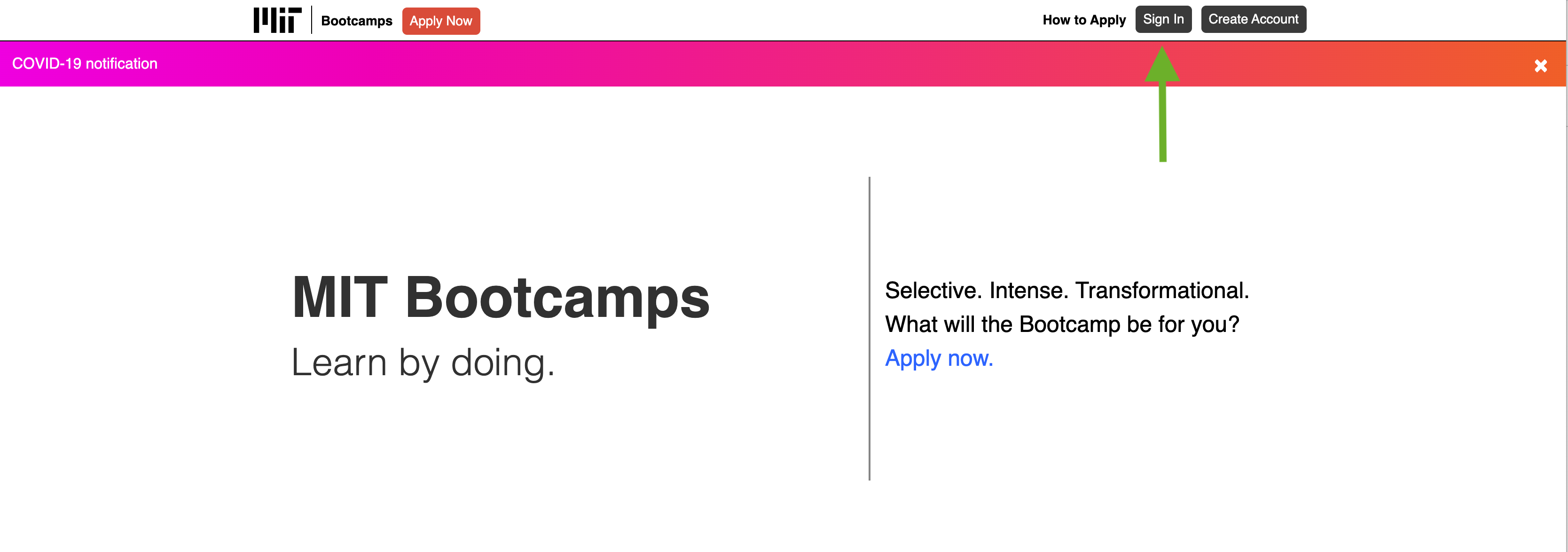
- To edit your personal profile information, you must access your profile via an MIT Bootcamps application. To begin an application or to access your existing Bootcamps Applications, click “Apply Now”.
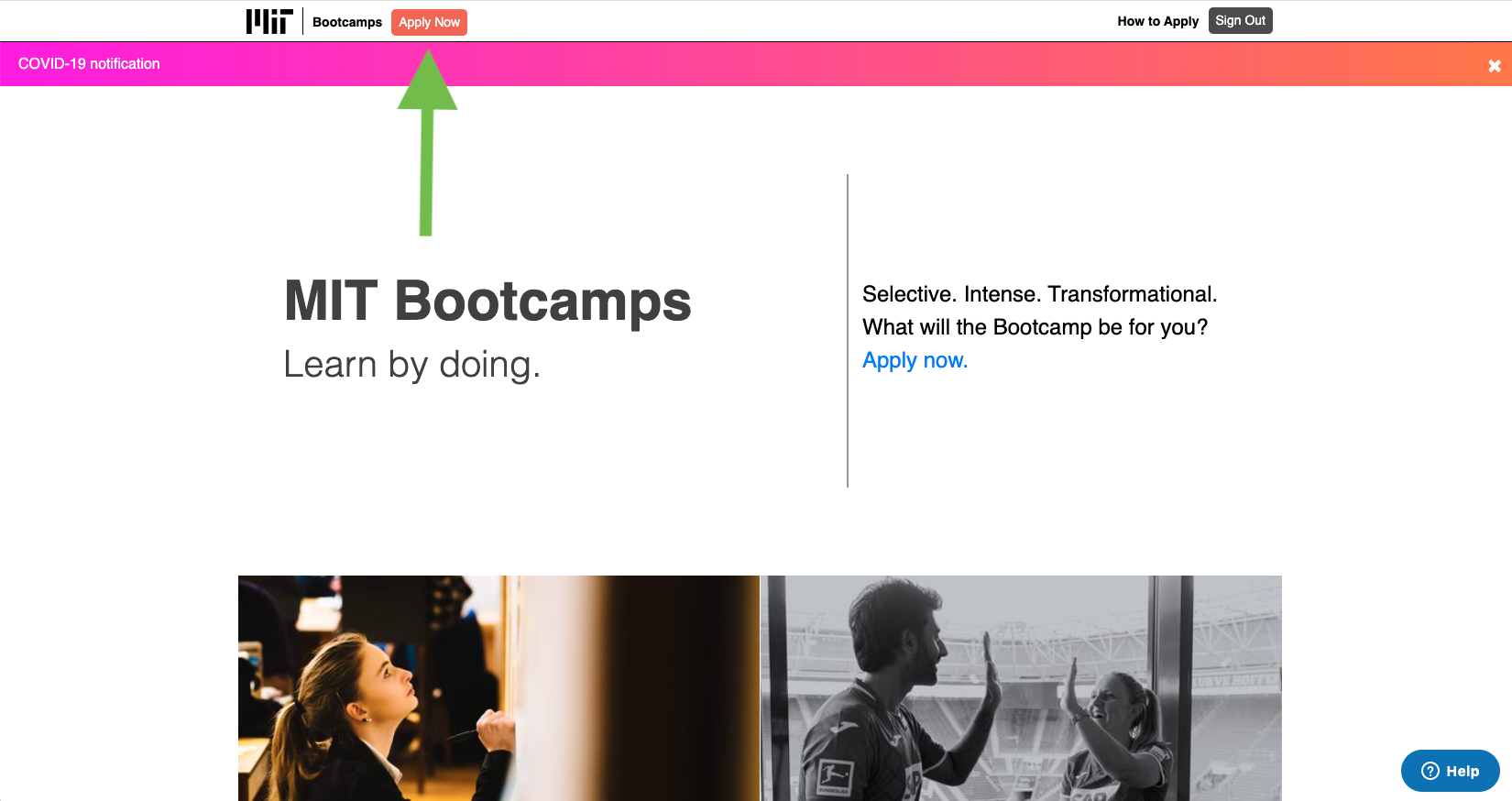
- If you have not yet started an application, you will then see this page:
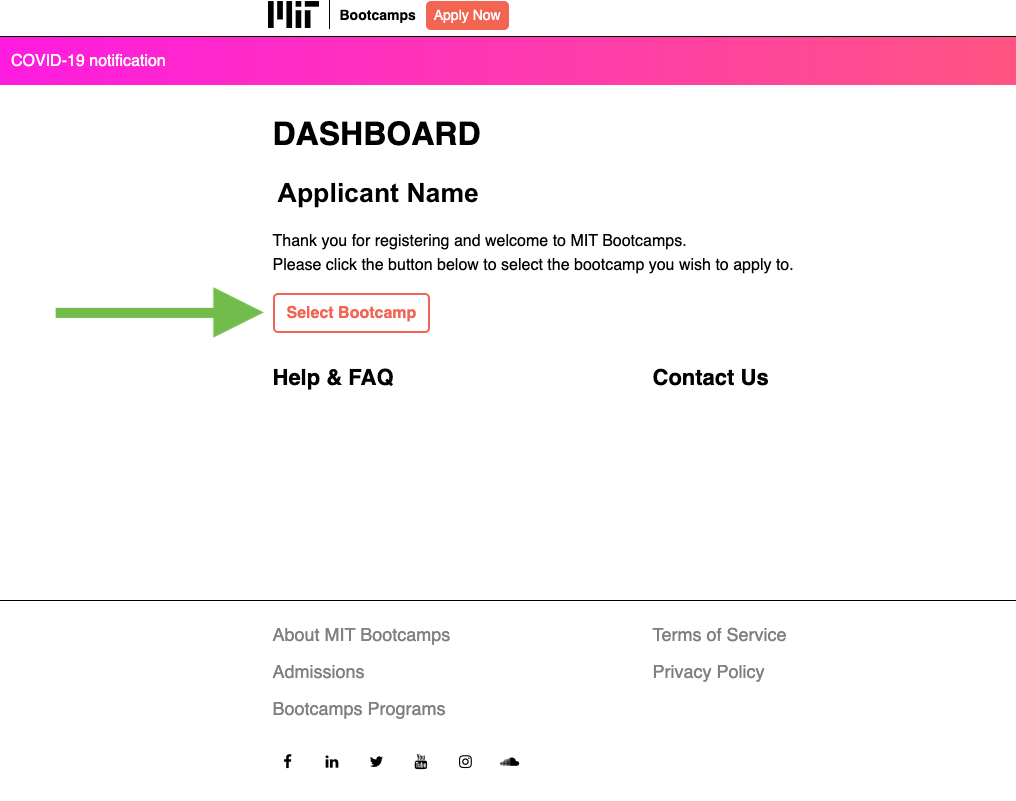
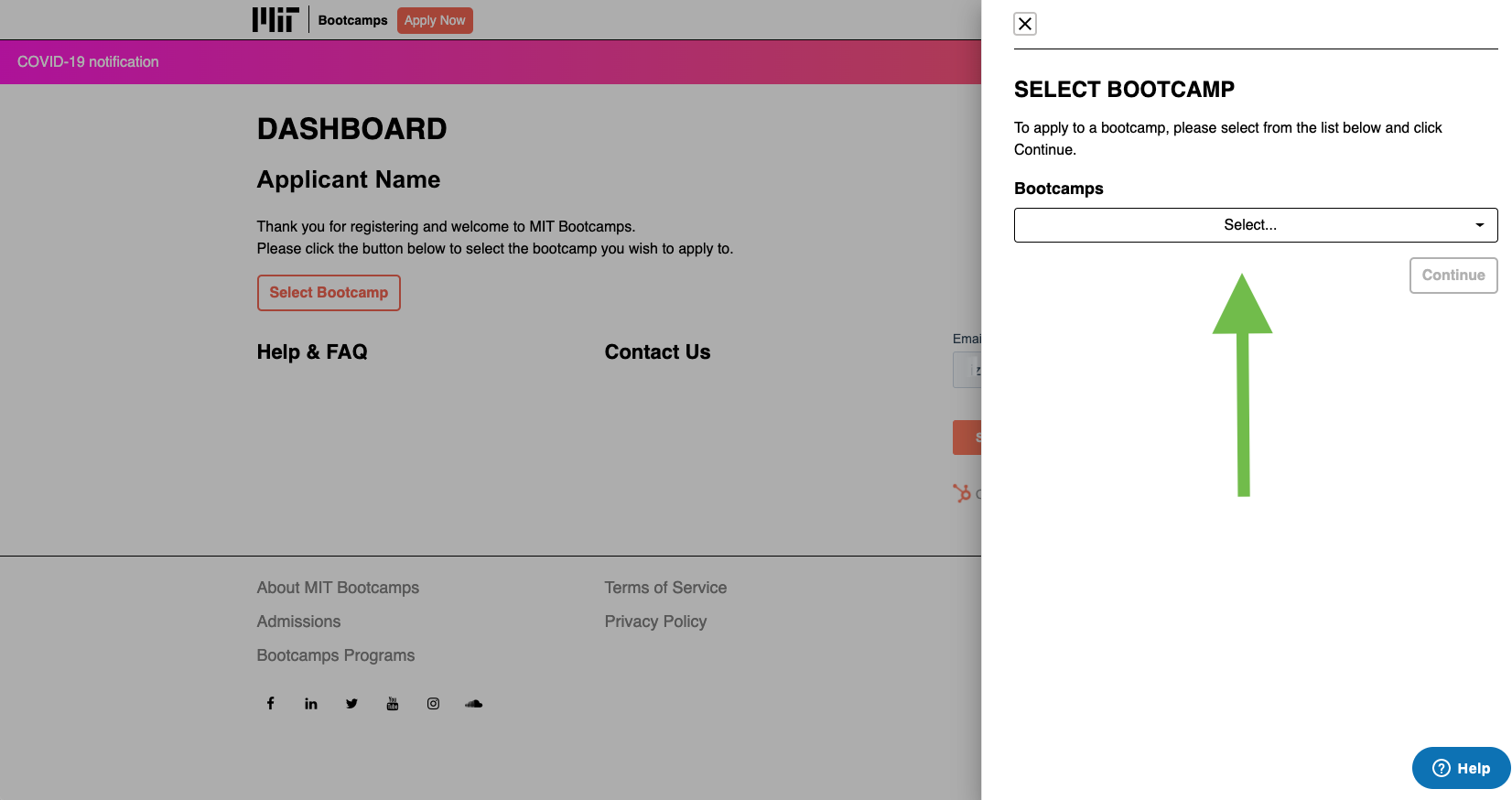
- Click Select Bootcamp and a page will appear from the side.
- Select the Bootcamp you would like to apply to from the drop-down menu.
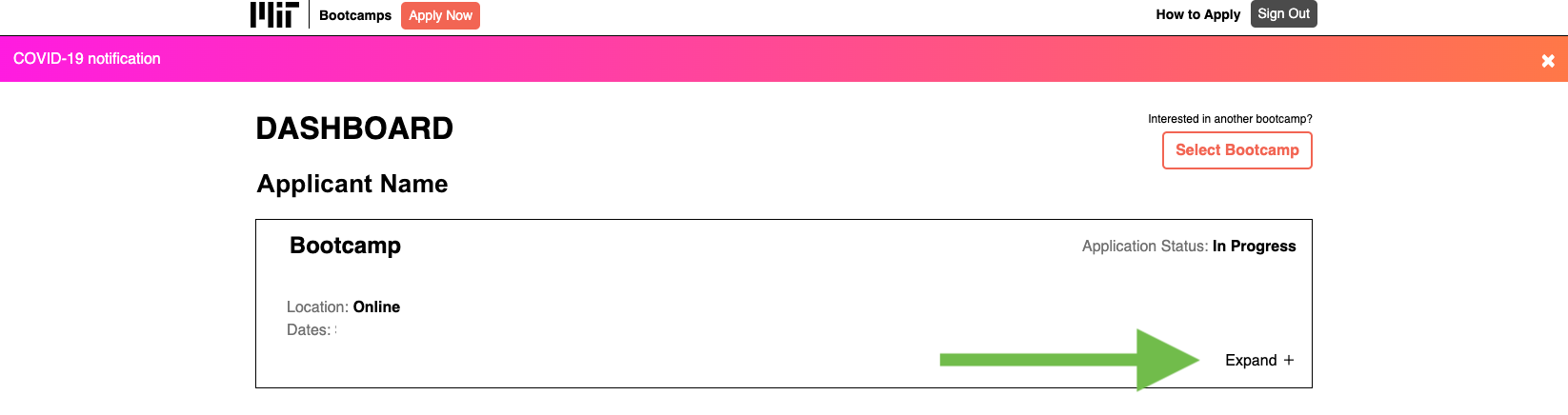
- You will then see this screen.
- Click "Expand".
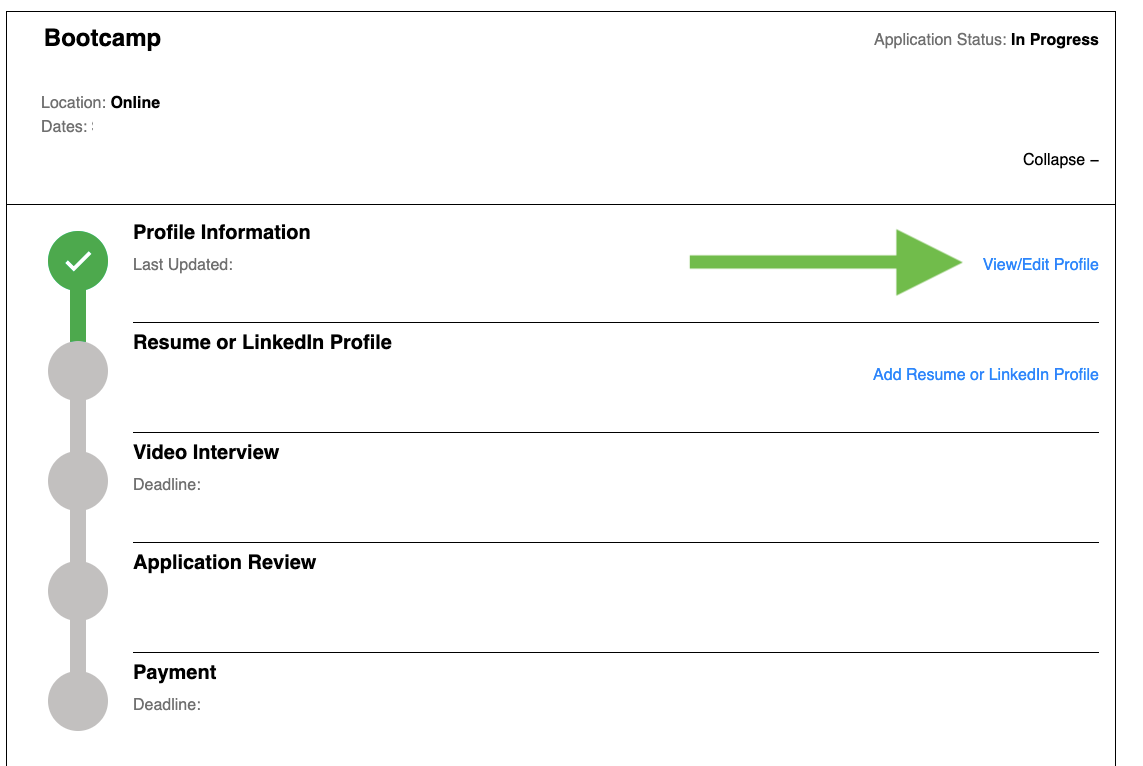
- Then select "View/Edit Profile".
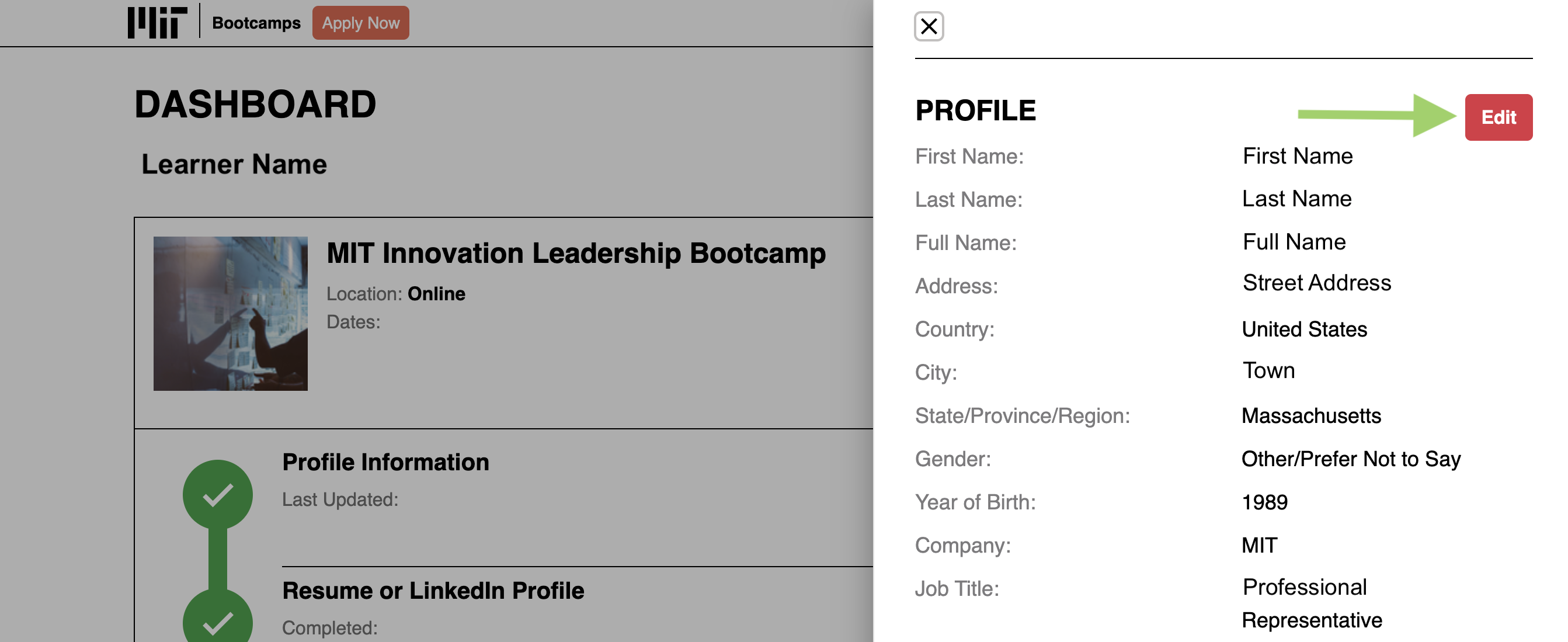
- Click the red "Edit" button in the top right corner.
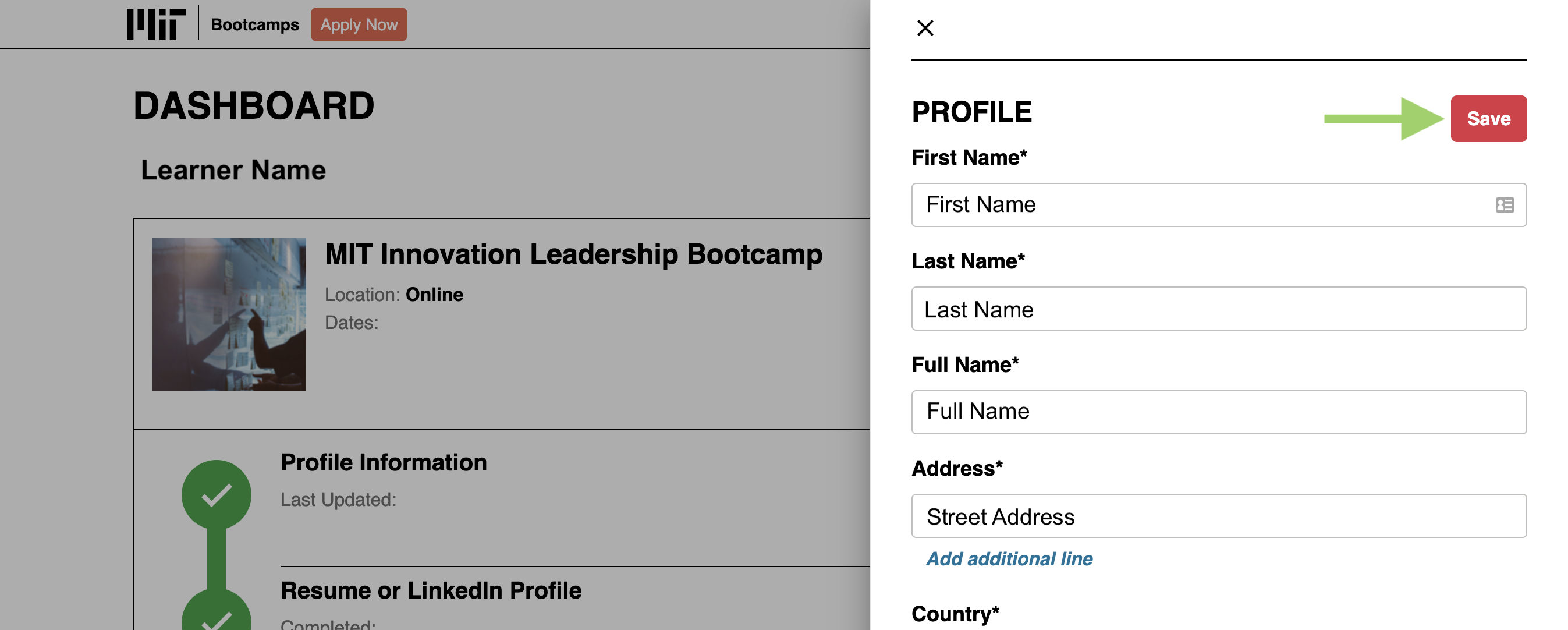
- When you have finished making changes, click the red "Save" button in the upper right corner.
Comments
0 comments
Article is closed for comments.